Are Step 1 and Step 2 really free?
Yes. The keyword finder and infographic prompt generator are free browser-based features. You may still need a ChatGPT plan that includes image generation, depending on the features available in your ChatGPT account.
Do these pages create the finished infographic image?
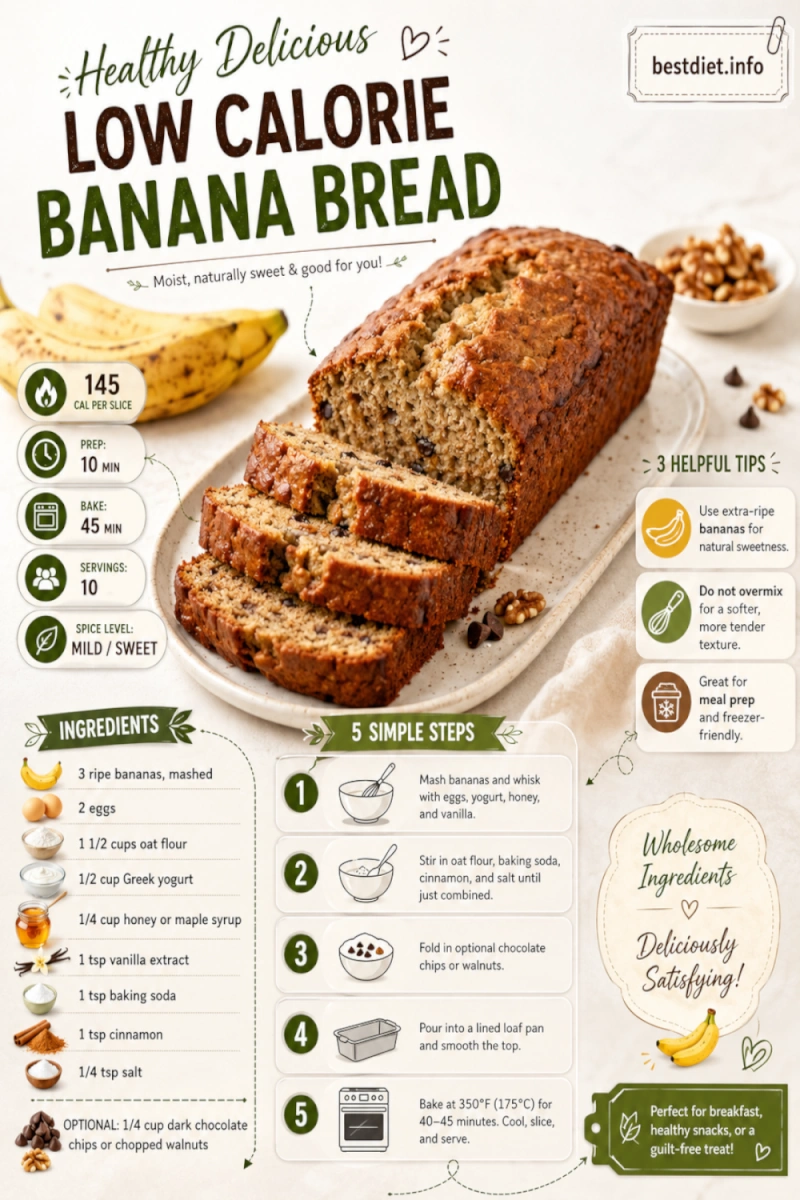
No. They create the detailed prompt. You copy that prompt into ChatGPT and ask ChatGPT Images to generate the finished infographic.
Do I need a Pinterest account?
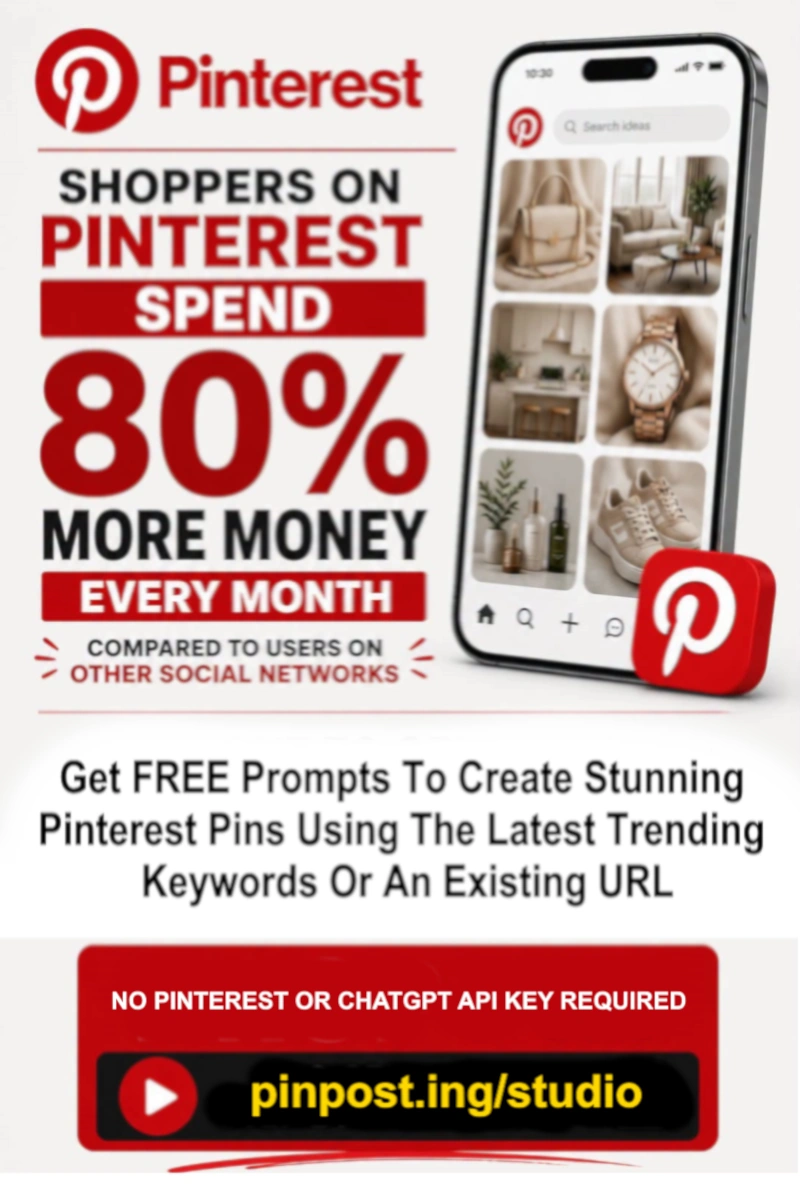
You do not need a Pinterest account to use the two free tools. You will need one when you are ready to upload or publish the finished Pin.
Do I need a Pinterest or ChatGPT API key?
No. The free tools do not connect directly to either service. They create text and prompts locally in your browser.
What is a Pinterest search-gap keyword?
In this workflow, it is a specific long-tail keyword candidate that may represent a less obvious content angle. The score is based on structure, specificity, intent, and Pinterest suitability—not verified live search volume or competition data.
When should I use Keyword Mode?
Use Keyword Mode when you have a topic, recipe idea, product keyword, how-to phrase, niche concept, or a keyword selected in Step 1.
When should I use URL Mode?
Use URL Mode when you already have a public blog post, recipe page, product page, affiliate page, sales page, or landing page that ChatGPT can analyze.
Can I generate all 12 prompts?
Yes. All 12 infographic styles are selected by default, and you can deselect any styles you do not need.
Should I publish the image exactly as AI creates it?
Review it first. Check every word, fact, number, URL, brand element, and visual detail. Regenerate or edit the image when anything is inaccurate or difficult to read.
What happens after I create the Pins?
You can upload them manually to Pinterest. PinPost.ing is being positioned as the paid scheduling layer for organizing finished Pins, assigning boards, building queues, and publishing consistently.